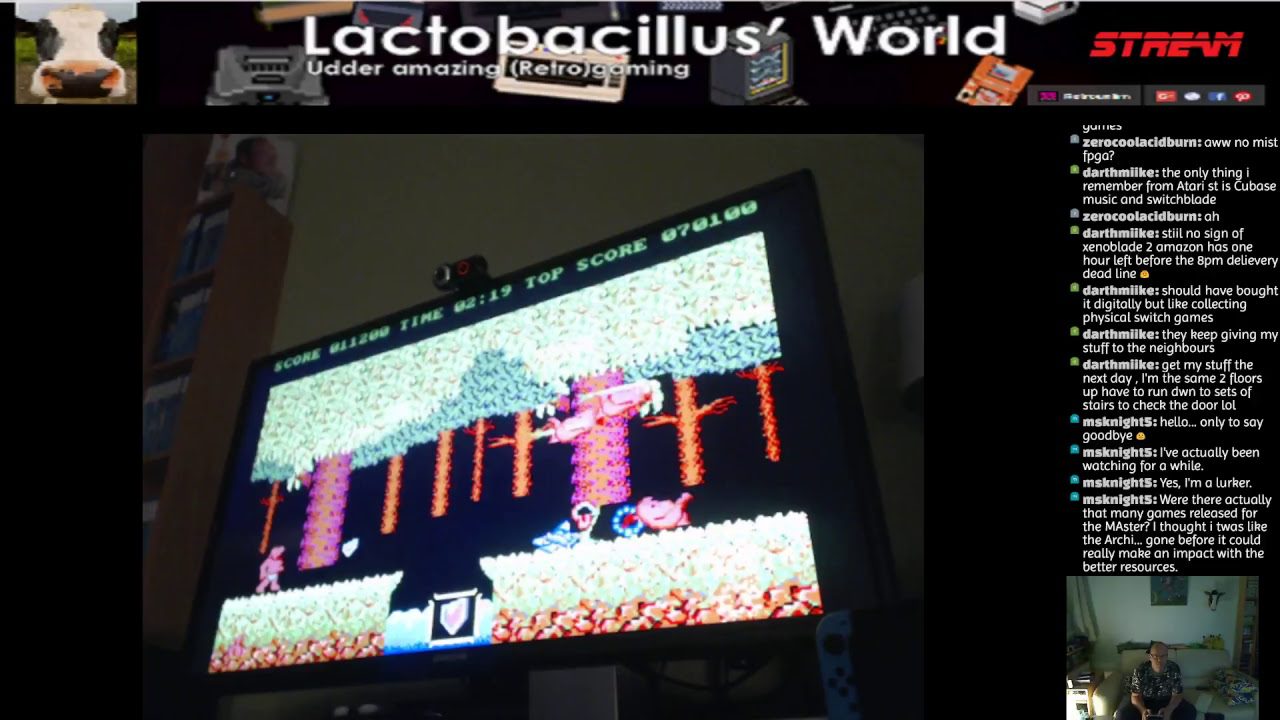
Over the past couple of months I’ve noticed that the Commodore VICE emulator (both the x86 as well as the x64 versions has a major flaw in full screen mode on my Windows 10 machine(s). Basically a square is cut out from the top left corner of the full screen mode the exact size of the original application Window. Like it is not initialized/changed over properly when entering full screen.
Have you guys experienced similar issues?
Could this be an Nvidia driver issue?
Could this be a multiple screen issue?
Have you got a fix for it? Apart from using the original hardware or FPGA solution 😛
Let me know down below!
Solution by Mark Felton3:
It sounds like a lot of people had the problem after updating on windows 10.
There’s a workaround though. Right click your x64.exe then click on properties, select the compatibility tab then check the Disable fullscreen optimisations option, then hit apply and you’re good to go.
We use cookies to ensure that we give you the best experience on our website. If you continue to use this site we will assume that you are happy with it.Accept